
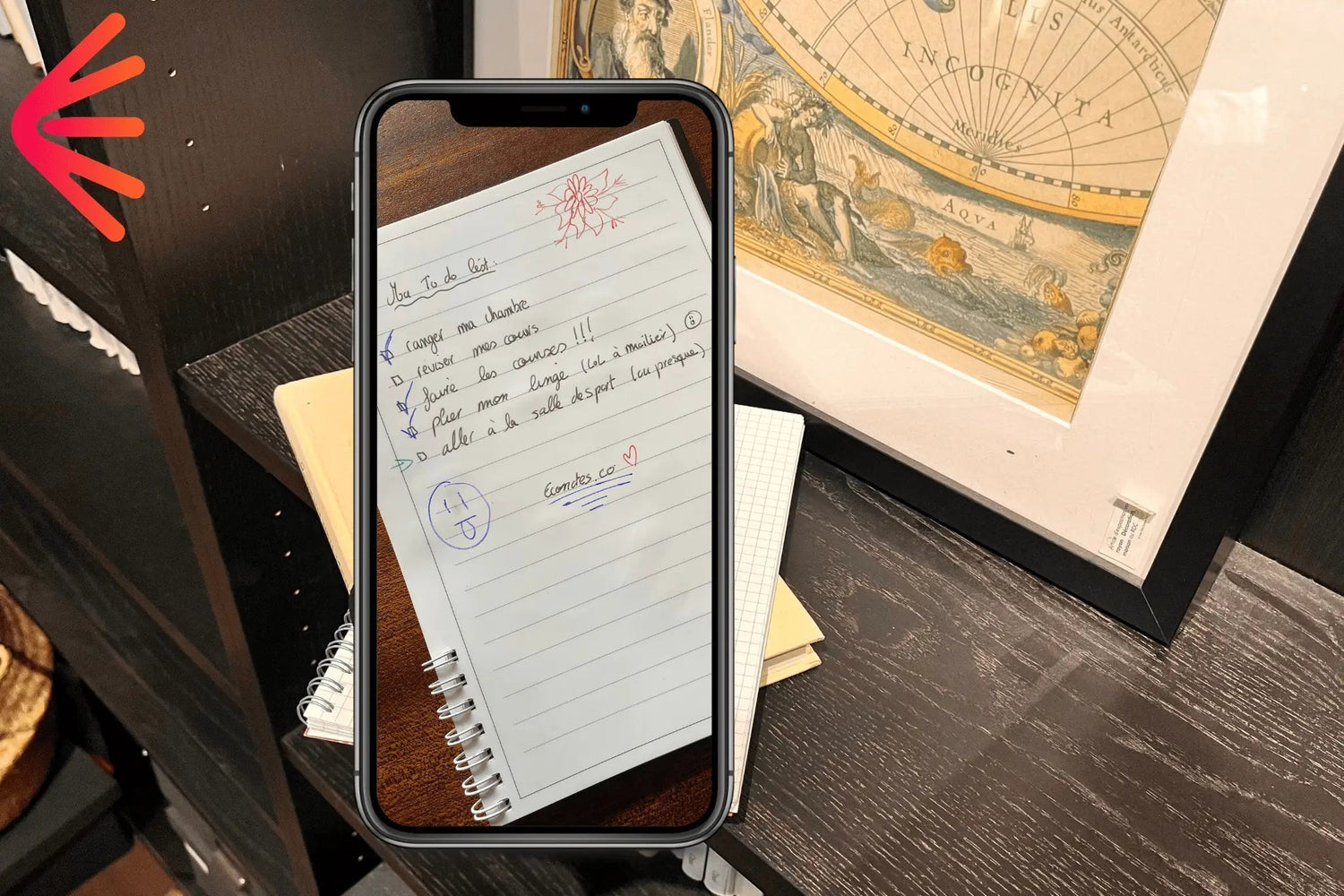
Are you looking for free apps to scan notes or documents? You've come to the right place! The tricky part is choosing between all the existing ones. So, we've put together a list of the 8 best free note-scanning apps available on IOS & Android.
#1 Genius Scan

Genius Scan tops this ranking for its efficiency. It allows you to scan your notes simply, but above all effectively. This free app offers 2 possibilities: scanning your document and editing it directly (nothing new under the sun) but also multi-page scanning, which allows you to scan dozens of pages in seconds. This free app is smart and practical, with automatic cropping, image quality enhancement, and more.
Highly efficient multi-page PDF export (multiple PDFs) or single PDF export to note-taking software like Evernote, Notion...
Premium version: advanced options (contact creation...)
Here's a YouTube video to learn the basics of free scanning with Genius Scan:

#2 Adobe Scan


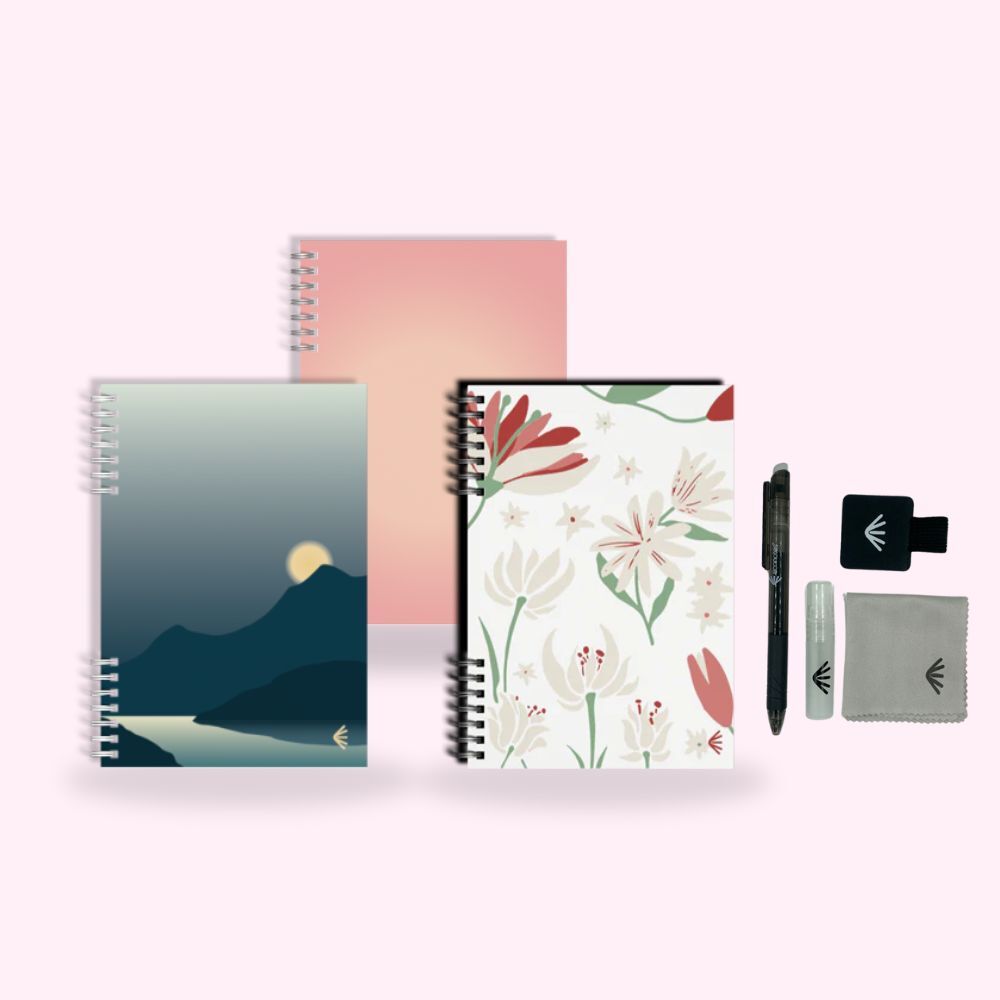
Create your PERFECT scannable notebook!
Lined, dotted, to-do list, planner pages… Discover our personalized erasable notebooks
and multiply the efficiency
of your favorite apps by 10!
#3 CamScanner
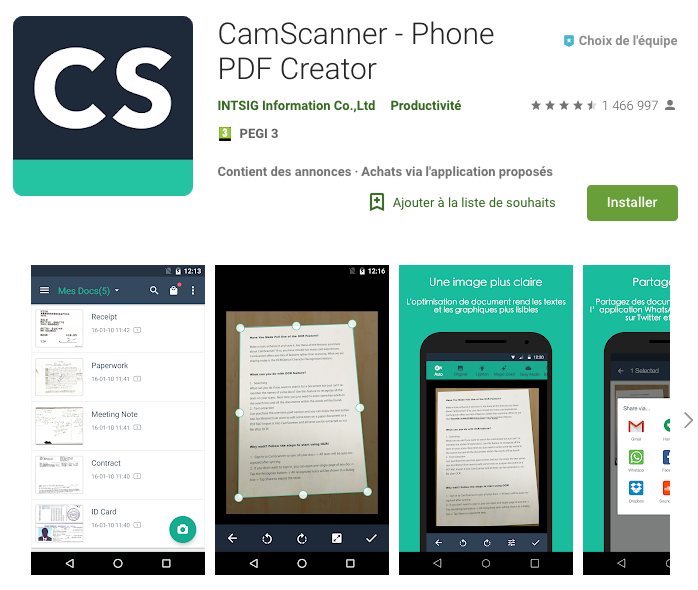
CamScanner has over 750 million users. Scan receipts, contracts, and ID cards simply.
In its free version, CamScanner already offers a great experience. Even if some advanced features are paid, it remains excellent for your daily needs. Scan everything, even with special modes for ID cards and QR codes.
The PDF converter allows you to create PDFs from websites or convert other files. Easily share your scans on WhatsApp or by email. The PDF scanner recognizes text, and you can even sign electronically.
#4 Evernote Scannable (IOS only)
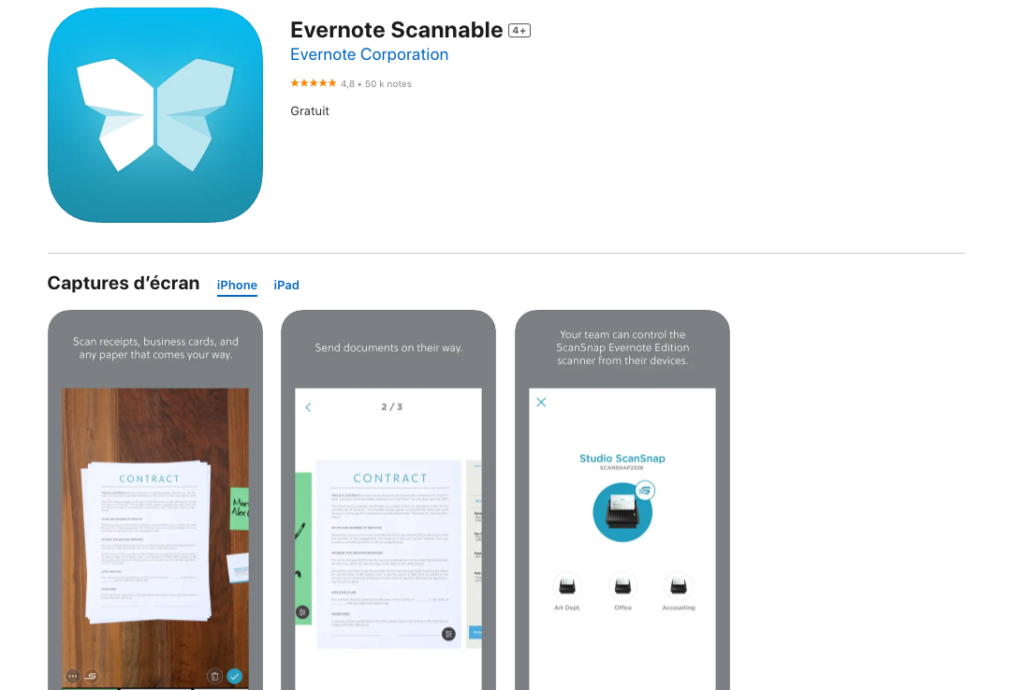
How to scan for free on iPhone?
Scannable, designed by the team behind Evernote, makes scanning a simple and fast experience on iPhone. Scannable automates the process by instantly capturing documents when you point your camera. Save time with automatically adjusted scans and easily share your files as PDF or JPG.
#5 Scanbot
.jpg)
If you're looking for a 100% free scanning app that is both simple and powerful, Scanbot is your ally. This app allows you to scan your documents for free and convert them into high-quality digital files. Thanks to its automatic function, it identifies and captures your documents.
Highlights:
→ Intuitive Interface: The well-designed interface makes scanning and editing simple.
→ Advanced Annotation Tools: Customize your documents with annotations, signatures, and more.
→ Cloud Compatibility: Store your scans on popular services such as Dropbox, Google Drive, or Evernote.
Points to Consider:
- Some advanced features are available via in-app purchases.
Scanbot stands out for its ease of use and advanced annotation features, making it a solid choice for those seeking a versatile scanning application.
#6 Microsoft Lens, the best free scanning app for Android

Microsoft Lens stands out for its simplicity and usefulness in scanning. With a user-friendly interface, the app offers valuable features for various media such as business cards, whiteboards, photos, and documents.
Microsoft Office Lens is highly recommended for those with an Android phone who are familiar with Microsoft Office.
Business card mode uses optical character recognition to integrate data into your address book and OneNote. For whiteboards, Lens removes glare, corrects perspective, and offers optimal readability. The document mode, the most practical, straightens, crops, and enhances images.
Native integration with Microsoft tools, such as Word and PowerPoint, enhances its appeal, but it also becomes too dependent on Microsoft Office tools. Optical character recognition facilitates text search and editing. All these features are free, making it an efficient choice for Microsoft users.
#7 The Notes app on iPhone
The "Notes" app integrated into the iPhone offers scanning features, although less advanced than dedicated applications. It allows you to capture documents, receipts, or notes using the camera.

However, it is essential to note that compared to the specialized applications mentioned previously, the "Notes" application offers limited capabilities.
Here is a non-exhaustive list of some practical uses of this free app on iPhone:
→ Extract text from an image
→ Scan & export directly as PDF
→ Lock the app with a code
#8 Photo Scan by Google

Google PhotoScan is the ideal tool for digitizing your printed photos, effectively eliminating glare and light halos that can degrade the quality of your scans. Thanks to its unique method, the application captures the image from multiple angles, automatically corrects defects, and saves photos directly to your smartphone's gallery. However, while powerful for photographs, it may not be the best option for reproducing textual documents. We still thought it was interesting to notify you of its existence, as it's a gem for scanning printed photos.
A final word? 😁
Scanning apps are redefining the way we take notes.
They offer a seamless transition from traditional handwriting to modern digitization, allowing users to easily capture, organize, and share their ideas. By using an erasable & reusable notebook and then scanning our notes and starting over, we save a considerable amount of paper, but not only that... 💡
Note-taking thus becomes more flexible, ecological, and accessible. This innovative combination offers users an efficient way to digitize their handwritten notes while preserving the natural aspect of writing and nature itself.